


FireZone
Intro
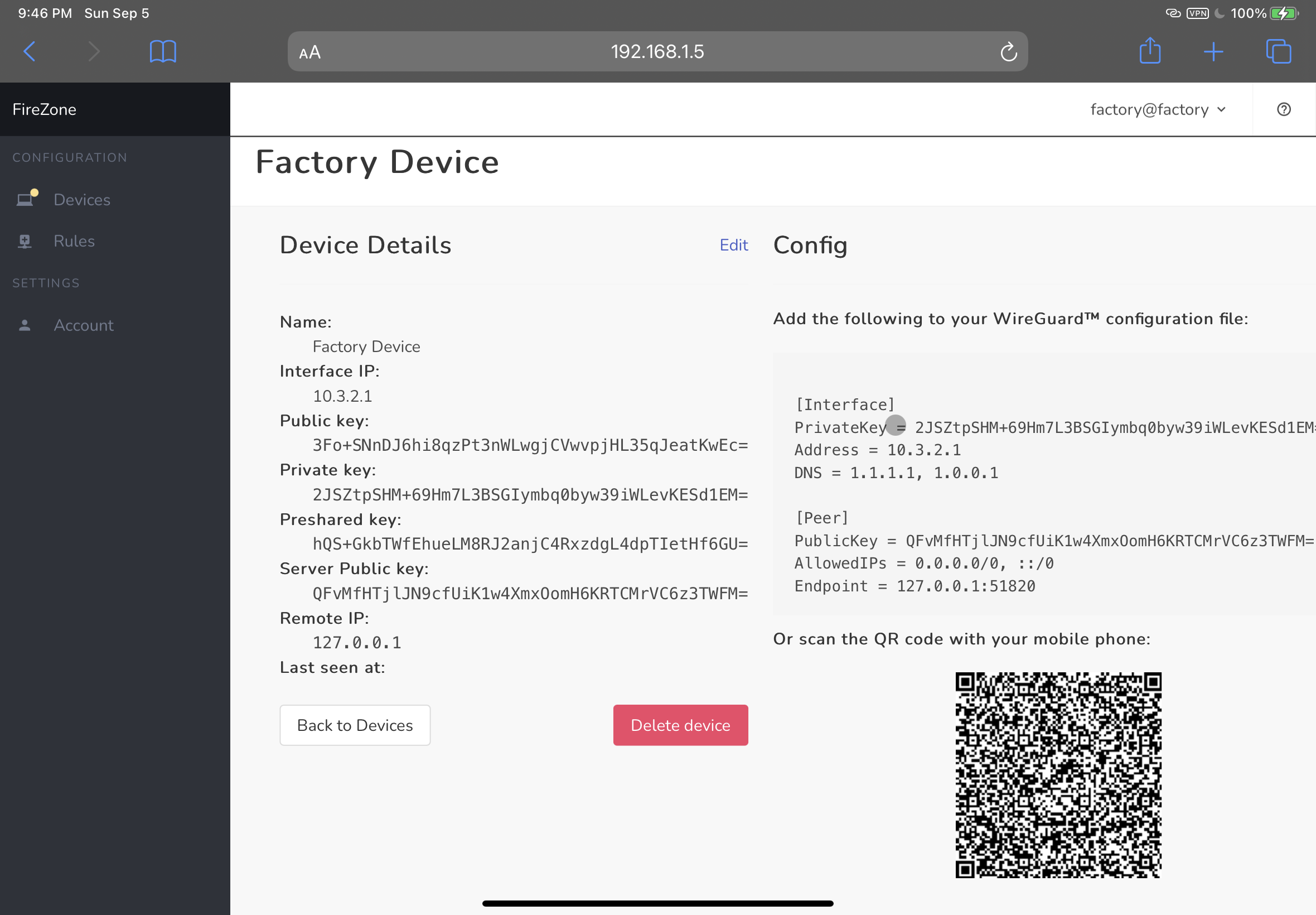
FireZone is an open-source WireGuard™-based VPN server and firewall for Linux designed to be secure, easy to manage, and quick to set up.
Use FireZone to:
- Connect remote teams to a shared private cloud network
- Set up your own WireGuard™ VPN
- Block egress traffic from your devices to specific IPs and CIDR ranges
- Connect remote teams to a secure virtual LAN
Requirements
FireZone currently supports the following Linux distros:
- CentOS:
7,8 - Ubuntu:
18.04,20.04 - Debian:
10,11 - Fedora:
33,34
If your distro isn't listed here please open an issue and we'll look into adding it.
FireZone requires a valid SSL certificate and a matching DNS record to run in production.
Install
- Download the relevant package for your distribution from the releases page
- Install with
sudo rpm -i firezone-<version>.rpmorsudo dpkg -i firezone-<version>.debdepending on your distribution. This will unpack the application and set up necessary directory structure. - Bootstrap the application with
sudo firezone-ctl reconfigure. This will initialize config files, set up needed services and generate the default configuration. - Edit the default configuration at
/etc/firezone/firezone.rb. You'll want to make suredefault['firezone']['fqdn'],default['firezone']['url_host'],default['firezone']['ssl']['certificate'], anddefault['firezone']['ssl']['certificate']are set properly. - Reconfigure the application to pick up the new changes:
sudo firezone-ctl reconfigure. - Finally, create an admin user with
sudo firezone-ctl create_admin. Check the console for the login credentials. - Now you should be able to log into the web UI at
https://<your-server-fqdn>
Usage
Your FireZone installation can be managed via the firezone-ctl command, as shown below. Most subcommands require prefixing with sudo.
root@demo:~# firezone-ctl
I don't know that command.
omnibus-ctl: command (subcommand)
create_admin
  Create an Admin user
General Commands:
  cleanse
    Delete *all* firezone data, and start from scratch.
  help
    Print this help message.
  reconfigure
    Reconfigure the application.
  show-config
    Show the configuration that would be generated by reconfigure.
  uninstall
    Kill all processes and uninstall the process supervisor (data will be preserved).
  version
    Display current version of Firezone
Service Management Commands:
  graceful-kill
    Attempt a graceful stop, then SIGKILL the entire process group.
  hup
    Send the services a HUP.
  int
    Send the services an INT.
  kill
    Send the services a KILL.
  once
    Start the services if they are down. Do not restart them if they stop.
  restart
    Stop the services if they are running, then start them again.
  service-list
    List all the services (enabled services appear with a *.)
  start
    Start services if they are down, and restart them if they stop.
  status
    Show the status of all the services.
  stop
    Stop the services, and do not restart them.
  tail
    Watch the service logs of all enabled services.
  term
    Send the services a TERM.
  usr1
    Send the services a USR1.
  usr2
    Send the services a USR2.
Architecture
FireZone is written in the Elixir programming language and composed as an Umbrella project consisting of three independent applications:
- apps/fz_http: The Web Application
- apps/fz_wall: Firewall Management Process
- apps/fz_vpn: WireGuard™ Management Process
For now, FireZone assumes these apps are all running on the same host.
Chef Omnibus is used to bundle all FireZone dependencies into a single distributable Linux package.
Contributing
See CONTRIBUTING.md.
WireGuard™ is a registered trademark of Jason A. Donenfeld.