


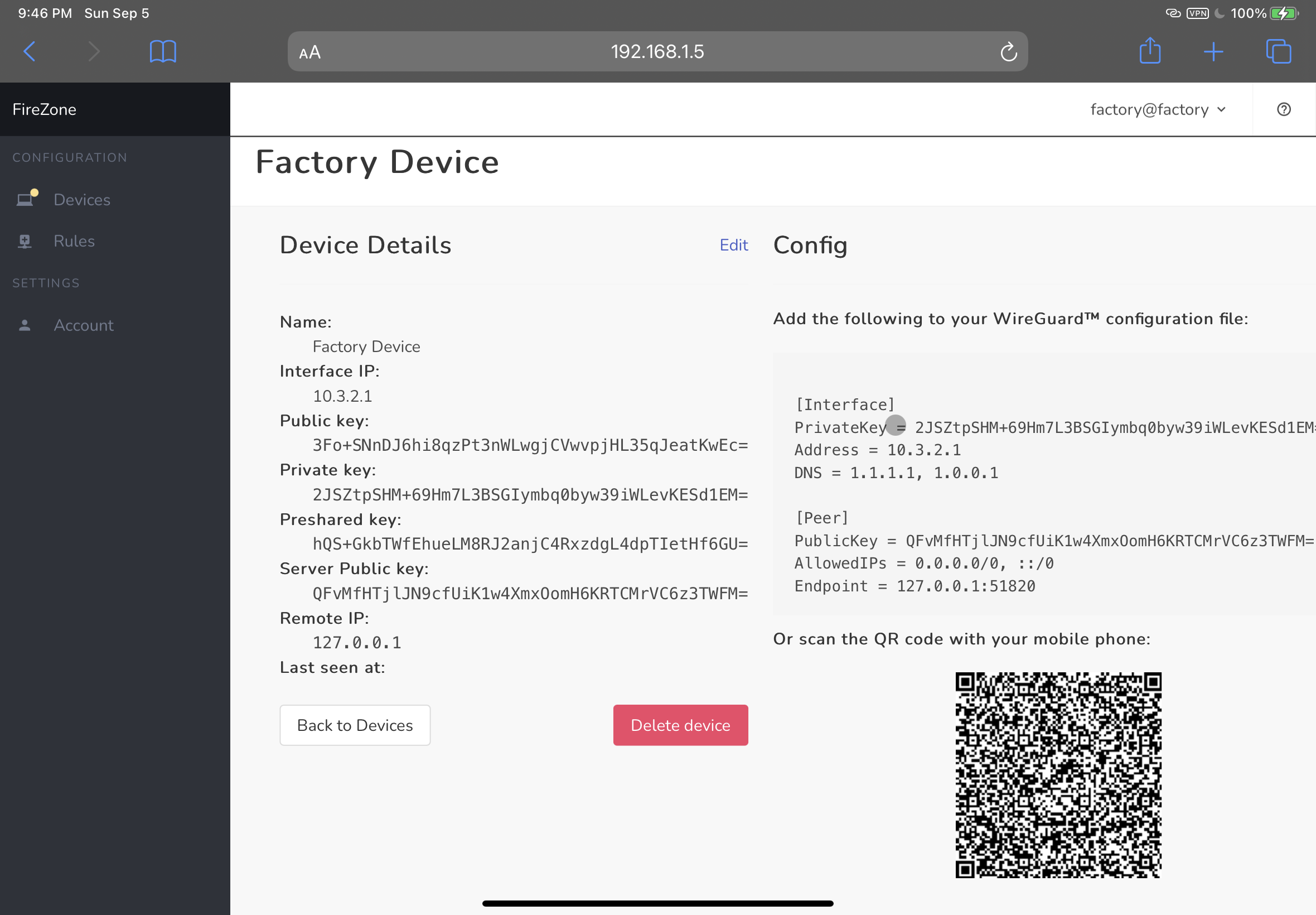
FireZone
Intro
firezone is an open-source WireGuard™-based VPN server and firewall for Linux
designed to be secure and simple to set up and manage.
Use FireZone to:
- Connect remote teams to a shared private cloud network
- Set up your own WireGuard™ VPN
- Block egress traffic from your devices to specific IPs and CIDR ranges
- Connect remote teams to a secure virtual LAN
Requirements
FireZone currently supports the following Linux distros:
- CentOS:
7,8 - Ubuntu:
18.04,20.04 - Debian:
10,11 - Fedora:
33,34
If your distro isn't listed here please open an issue and we'll look into adding it.
FireZone requires a valid SSL certificate and a matching DNS record to run in production.
Install
- Download the relevant package for your distribution from the releases page
- Install with
sudo rpm -i firezone-<version>.rpmorsudo dpkg -i firezone-<version>.debdepending on your distribution. This will unpack the application and set up necessary directory structure. - Bootstrap the application with
sudo firezone-ctl reconfigure. This will initialize config files, set up needed services and generate the default configuration. - Edit the default configuration at
/etc/firezone/firezone.rb. You'll want to make suredefault['firezone']['fqdn'],default['firezone']['url_host'],default['firezone']['ssl']['certificate'], anddefault['firezone']['ssl']['certificate']are set properly. - Reconfigure the application to pick up the new changes:
sudo firezone-ctl reconfigure. - Finally, create an admin user with
sudo firezone-ctl create_admin. Check the console for the login credentials. - Now you should be able to log into the web UI at
https://<your-server-fqdn>
Architecture
firezone is written in the Elixir programming language and composed as an Umbrella
project
consisting of three independent applications:
- apps/fz_http: The Web Application
- apps/fz_wall: Firewall Management Process
- apps/fz_vpn: WireGuard™ Management Process
For now, firezone assumes these apps are all running on the same host.
Chef Omnibus is used to bundle all FireZone dependencies into a single distributable Linux package.
Contributing
See CONTRIBUTING.md.
WireGuard™ is a registered trademark of Jason A. Donenfeld.